
Why echo happens
Echo is physics, not a broken app. Your speaker plays the stranger's voice, your microphone picks it back up, and the loop returns your own voice to your ears a fraction of a second late. Speakerphone at high volume in a small room is the perfect echo machine.
The earphone fix
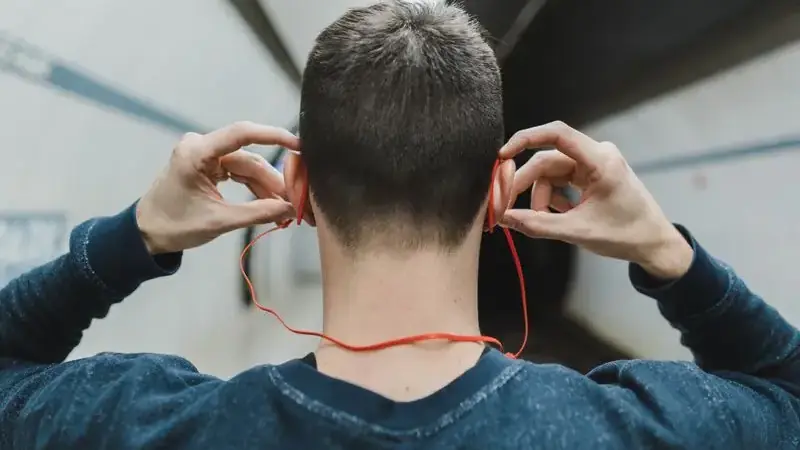
Plug in any wired earphones. This single change kills echo in nearly every case because the stranger's voice now goes into your ears instead of bouncing around the room into your mic. It is the highest-value fix in all of Umingle video chat app audio troubleshooting.
Volume and distance
No earphones handy? Drop your speaker volume to half and hold the phone a full arm's length away. Both reduce how much speaker sound reaches the mic. Avoid speakerphone mode entirely during video chats. As a last resort, switching to text mode for a few minutes confirms whether the echo is audio-routing or connection-related.
When both sides echo
If you wear earphones and still hear yourself, the loop is on the stranger's end: they are on speakerphone. A quick "hey, are you on speaker?" solves it more often than any setting. If your mic is silent rather than echoey, that is a different problem, and the microphone fix guide is the right next read.